Toolbox
Every tool below in one searchable window. Free for everyone — Pro adds the global ⌃3 hotkey.
 CapyBuddy
 Screenshot with OCR & translate, screen recording, clipboard history, and a whole free Toolbox — converters, PDF tools, QR codes, text utilities and more. One tidy buddy in your menu bar, with an optional Pro unlock for the power features.
Convert and edit media in the Toolbox, launch apps from the Space bar, capture and translate, and tune every tool from Settings.
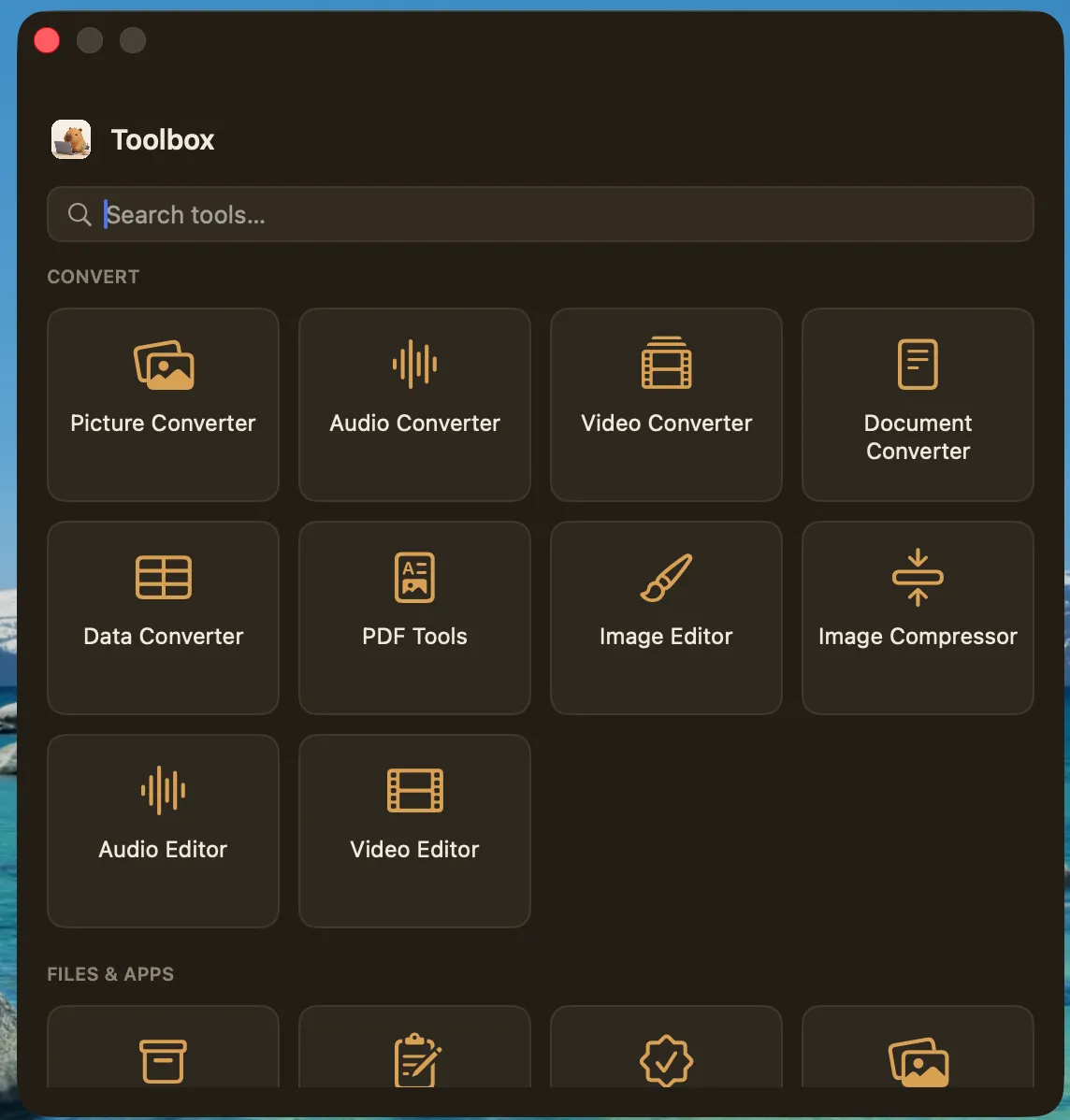
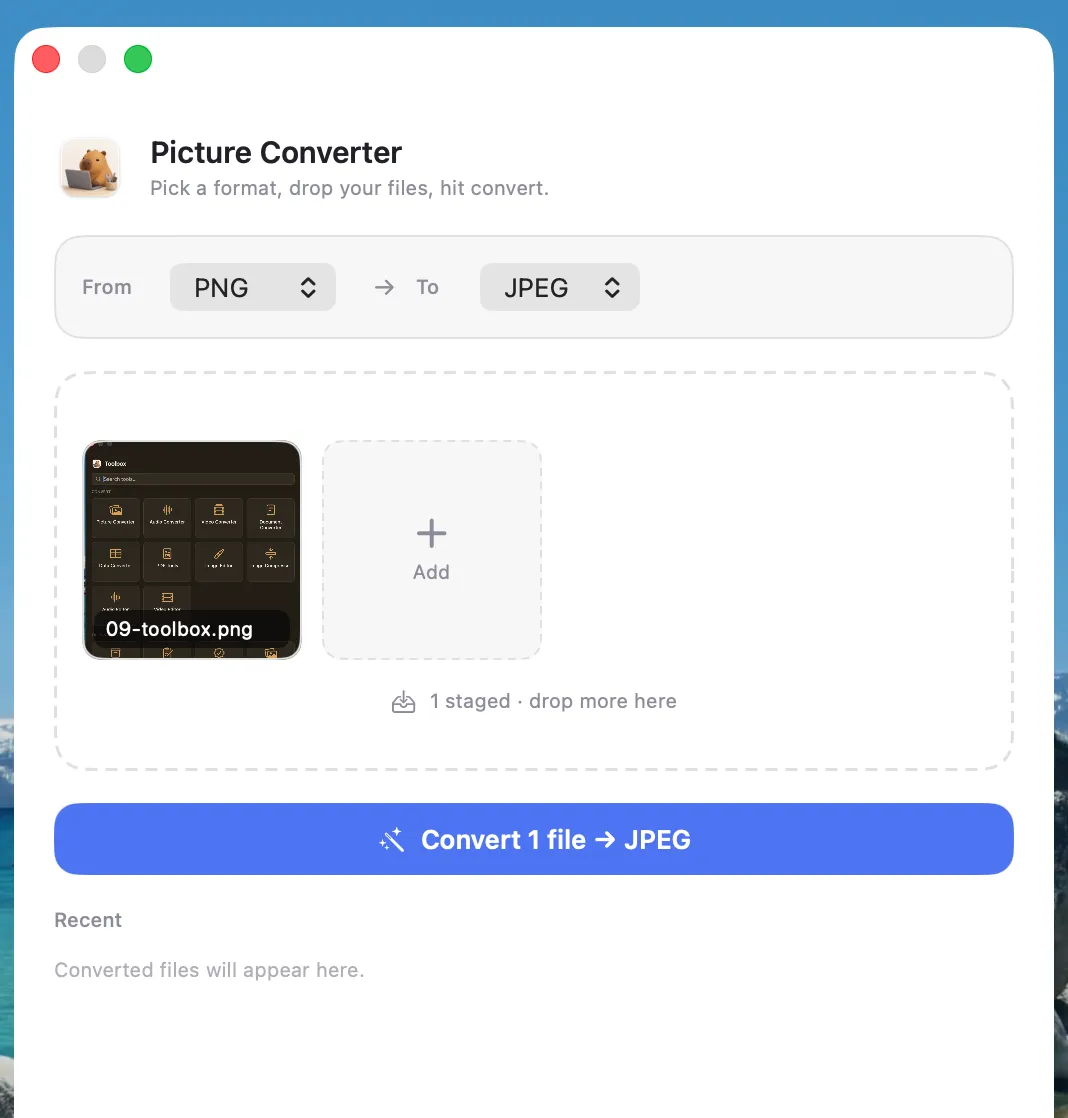
Picture, audio, video and document converters, an image compressor, PDF tools, editors and more — all offline, all included.
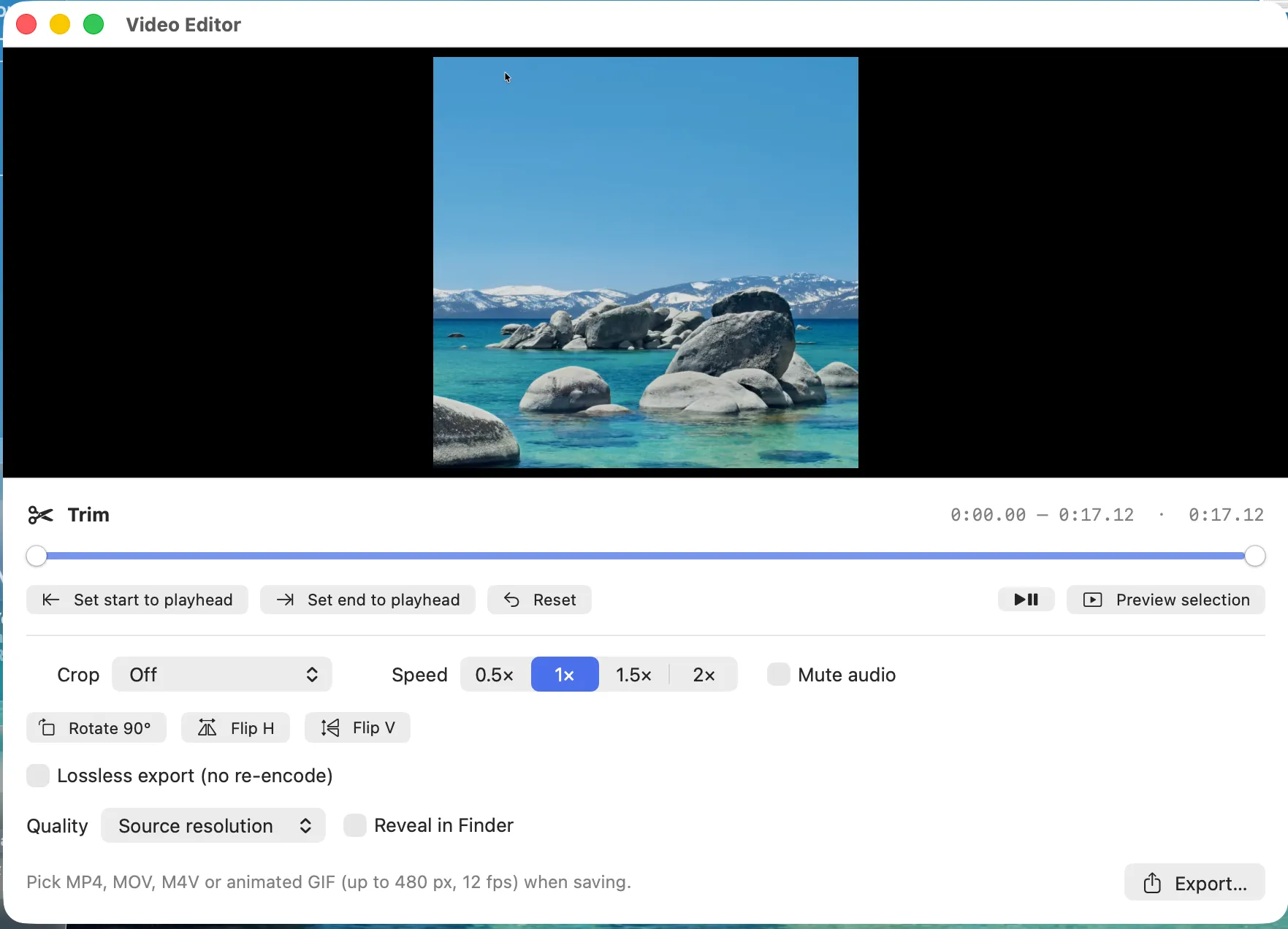
Set in and out points on the timeline, change speed, rotate or flip, mute audio, then export to MP4, MOV, M4V or an animated GIF.
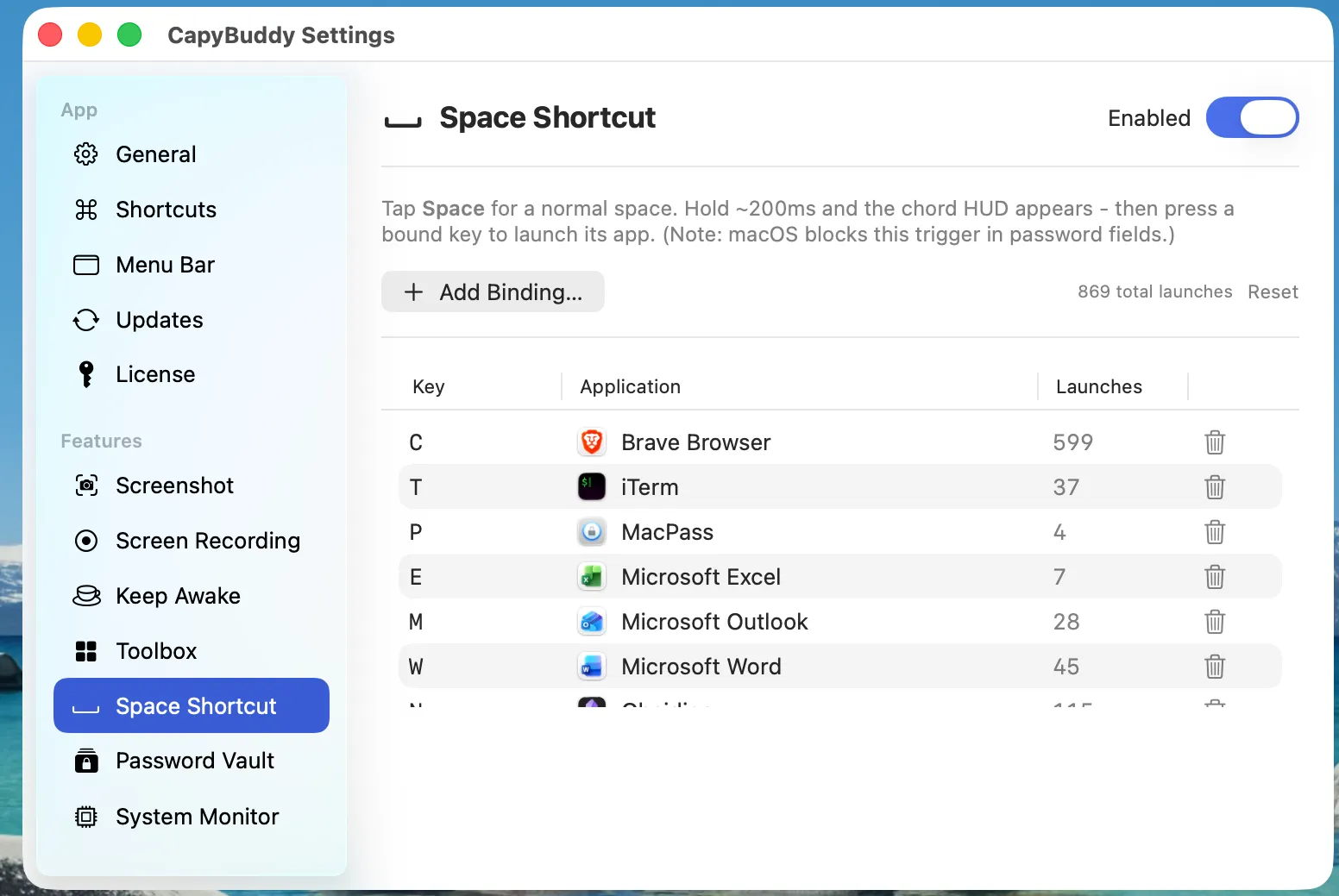
Bind any letter to any app. A short tap still types a space; a brief hold shows the chord HUD and launches or focuses what you asked for.
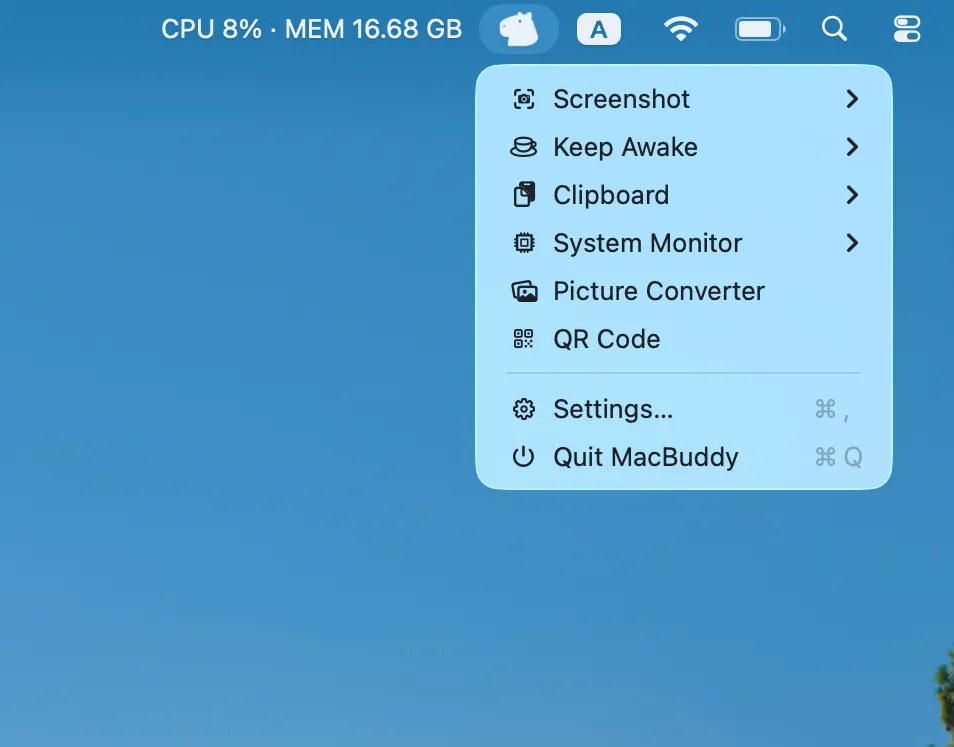
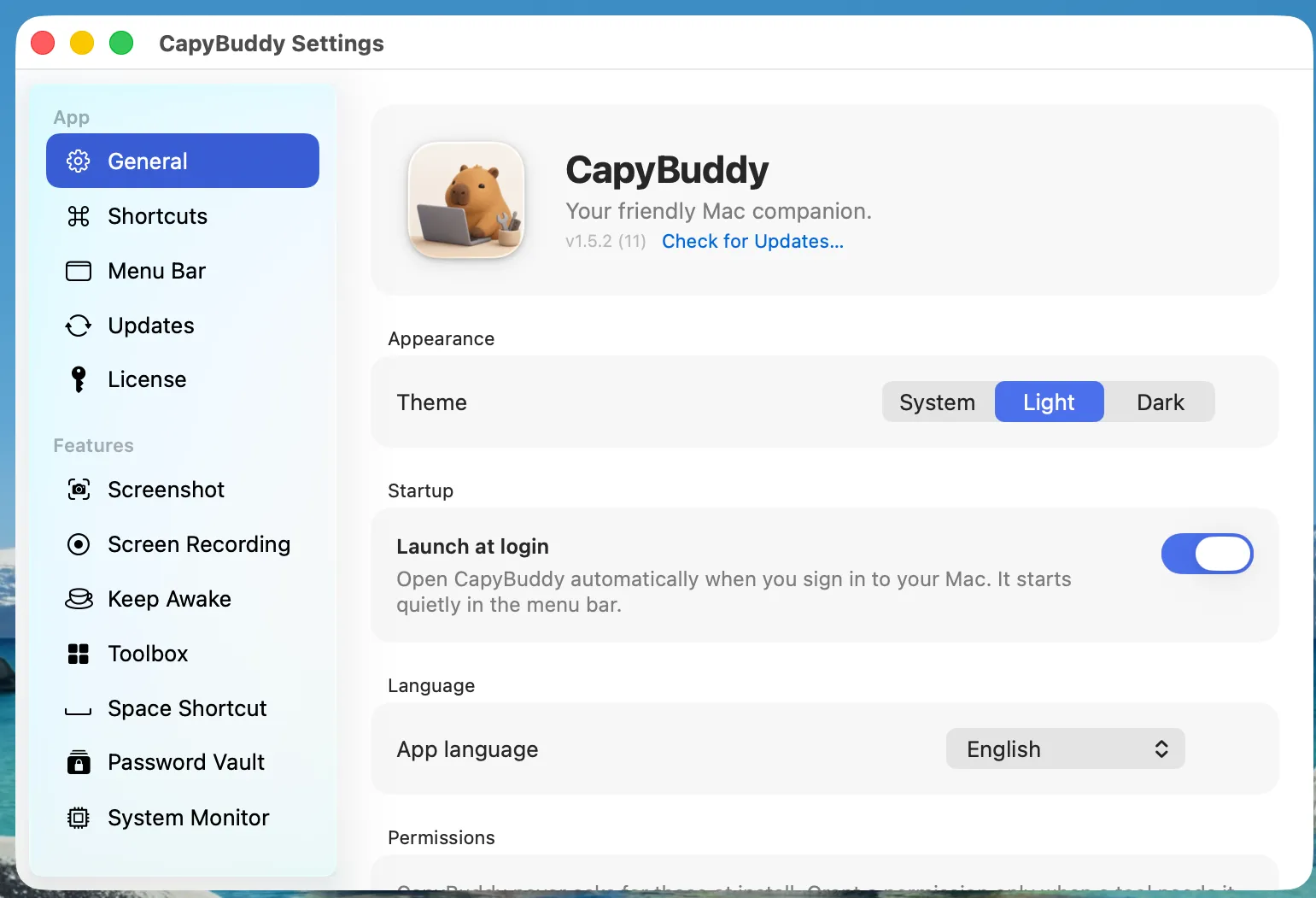
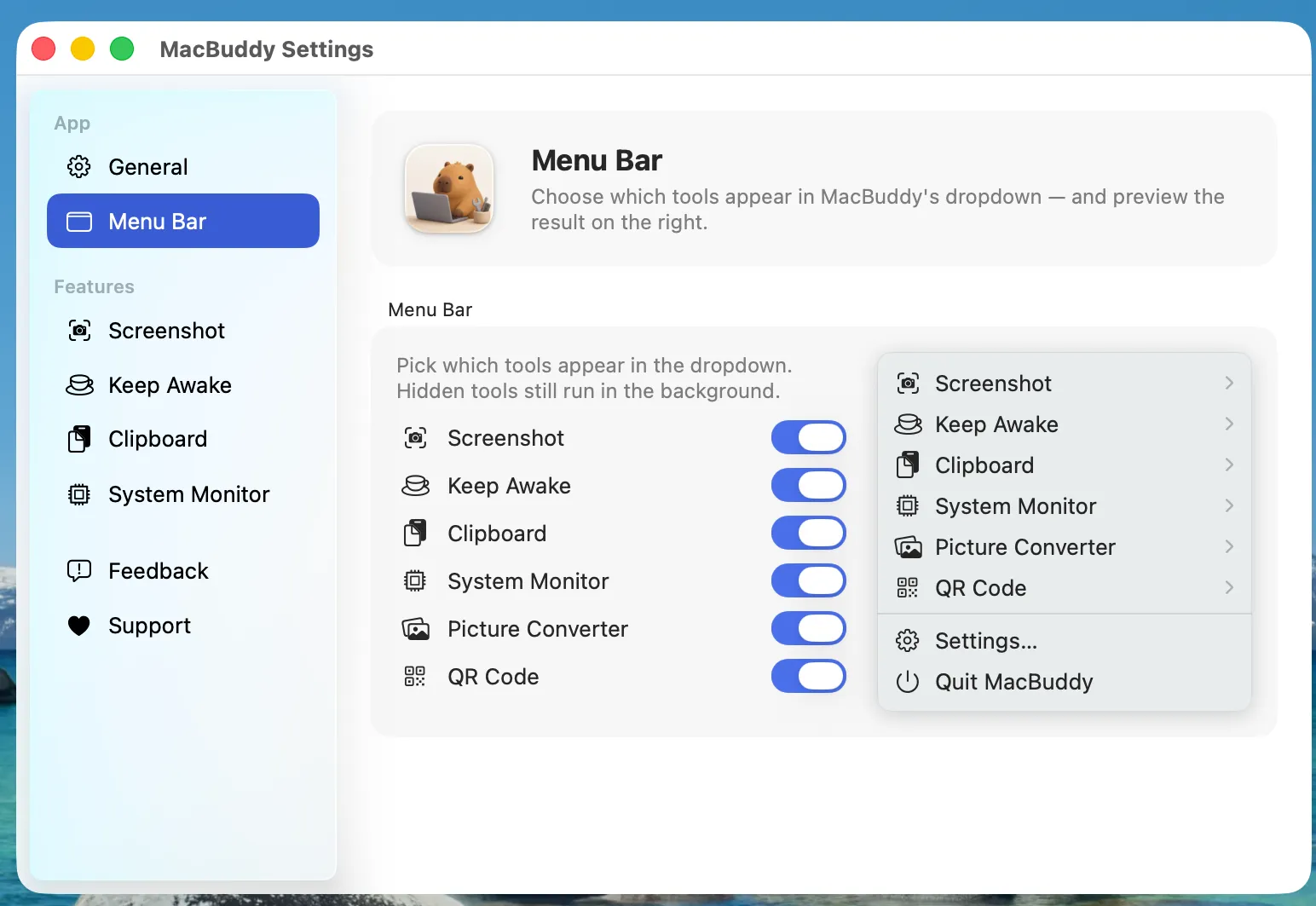
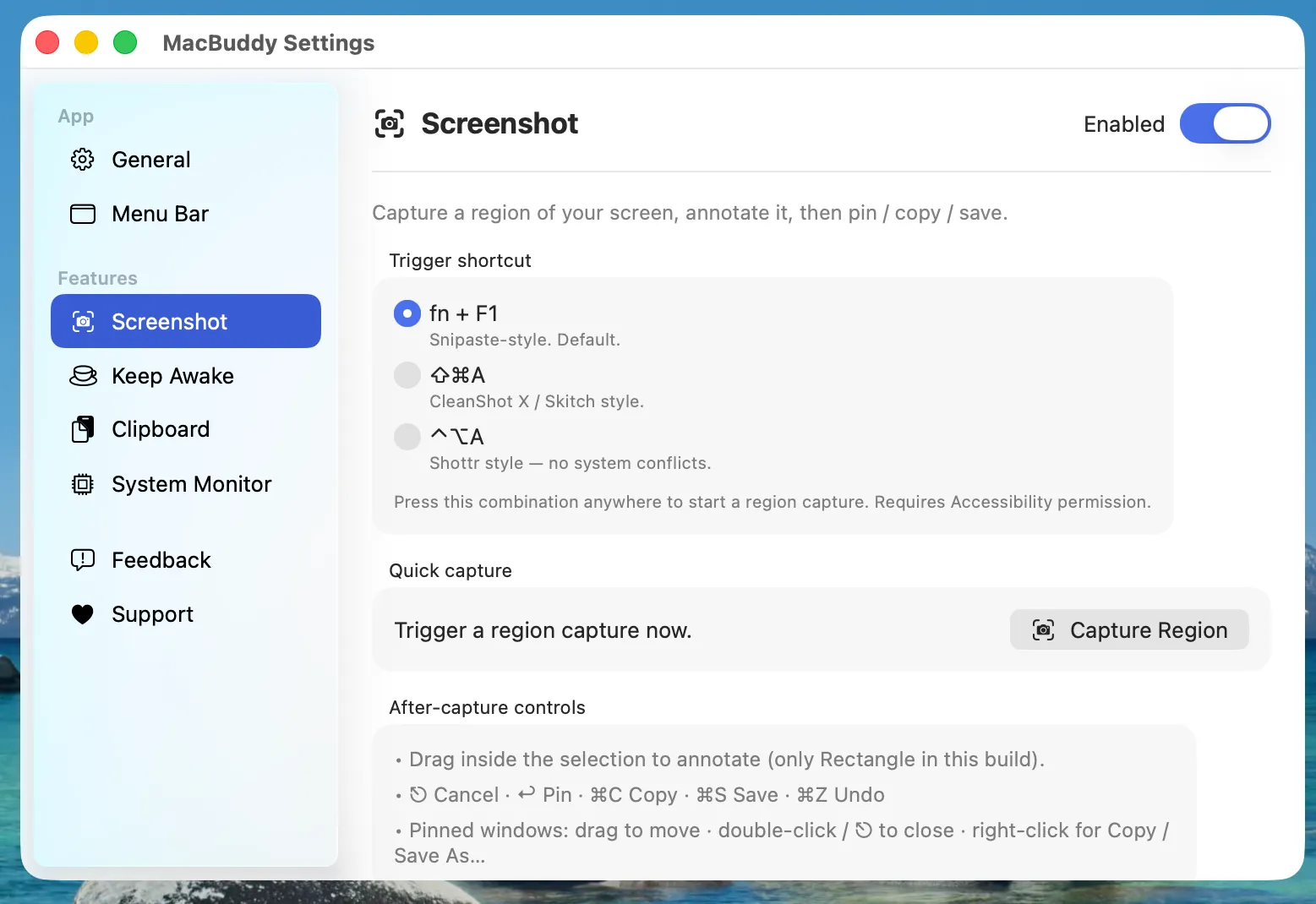
Each tool is independent — turn off the ones you don't need from Settings.
Every tool below in one searchable window. Free for everyone — Pro adds the global ⌃3 hotkey.
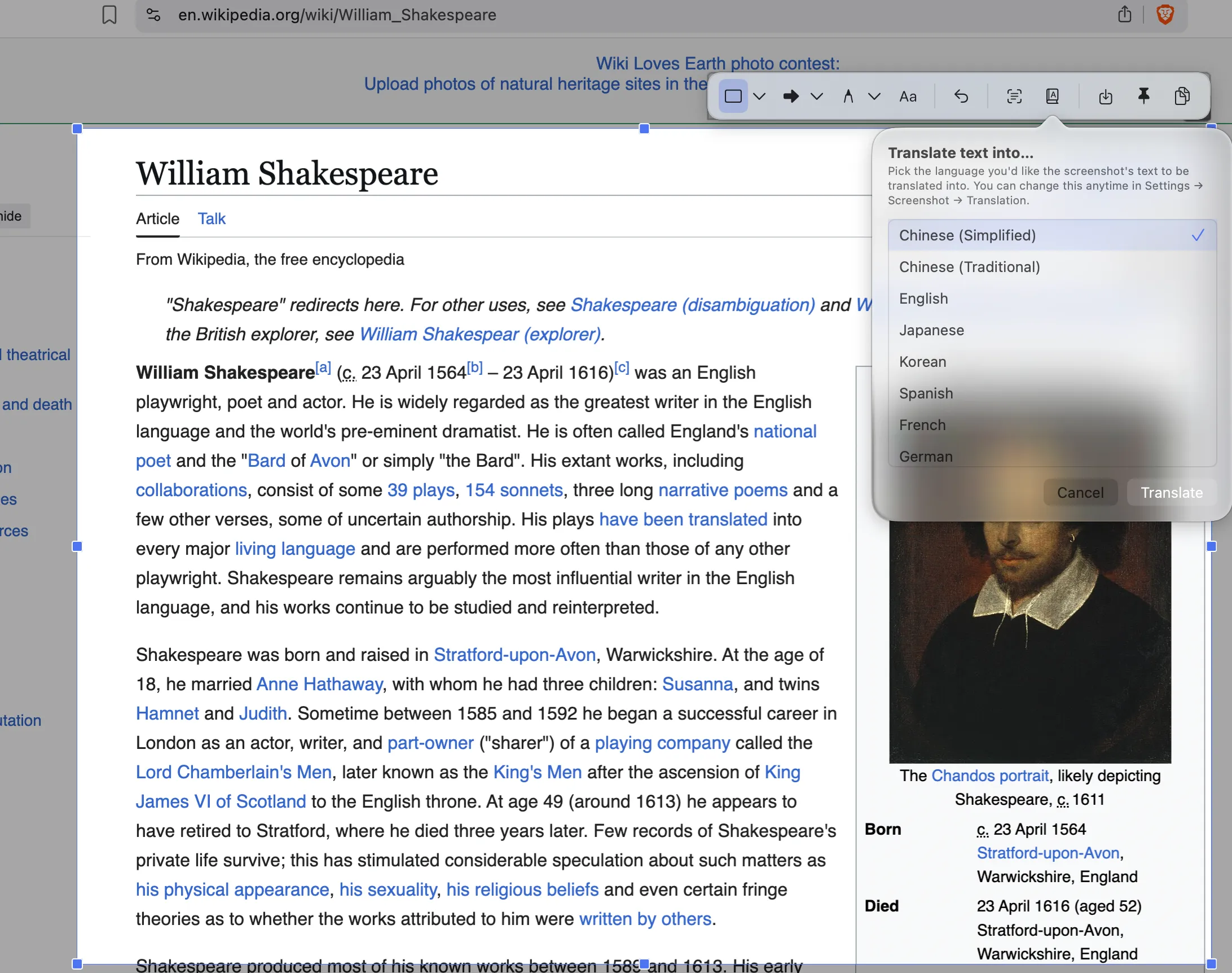
Region capture with a global hotkey — annotate, extract text (OCR), translate, copy, save, or pin it.
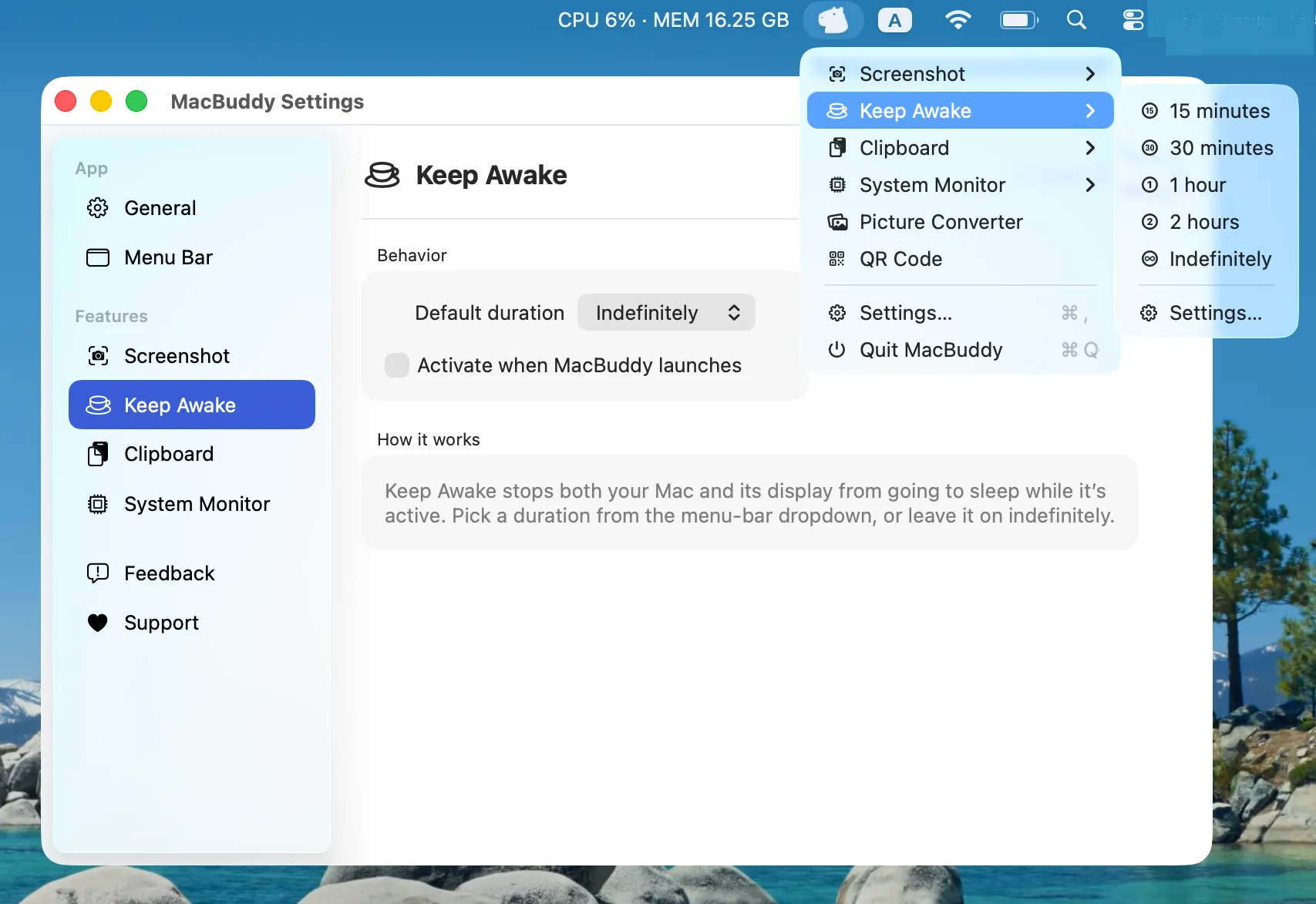
Prevents your Mac from sleeping or dimming the display for a chosen duration.
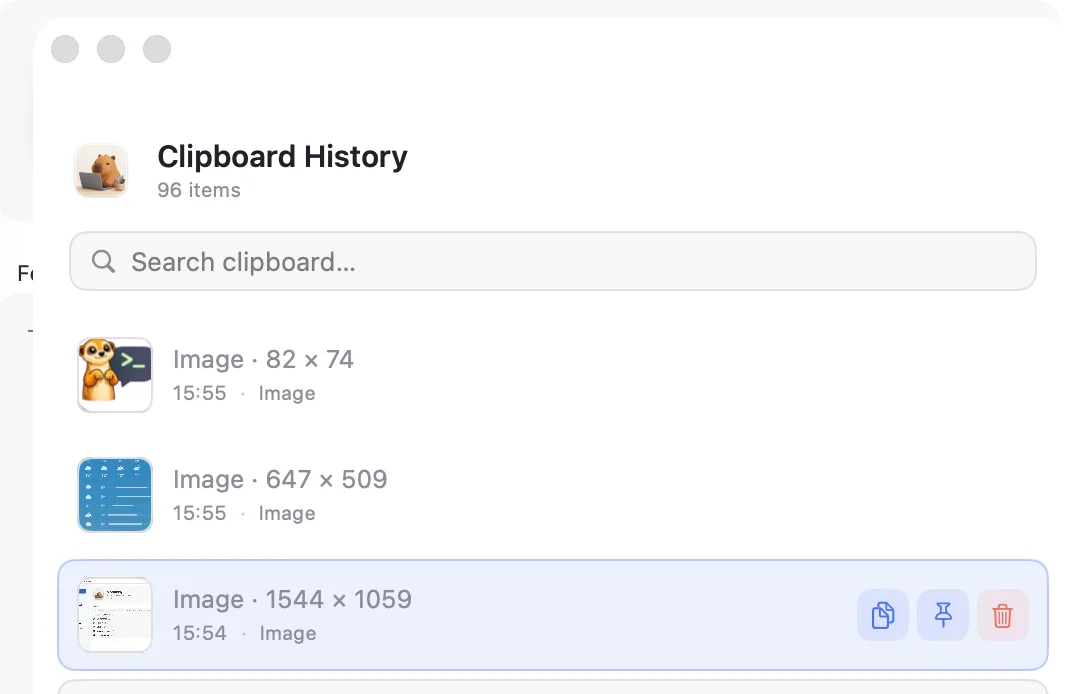
A searchable history of everything you copy — text and images — one ⇧⌘V away. Pin the ones you reuse.
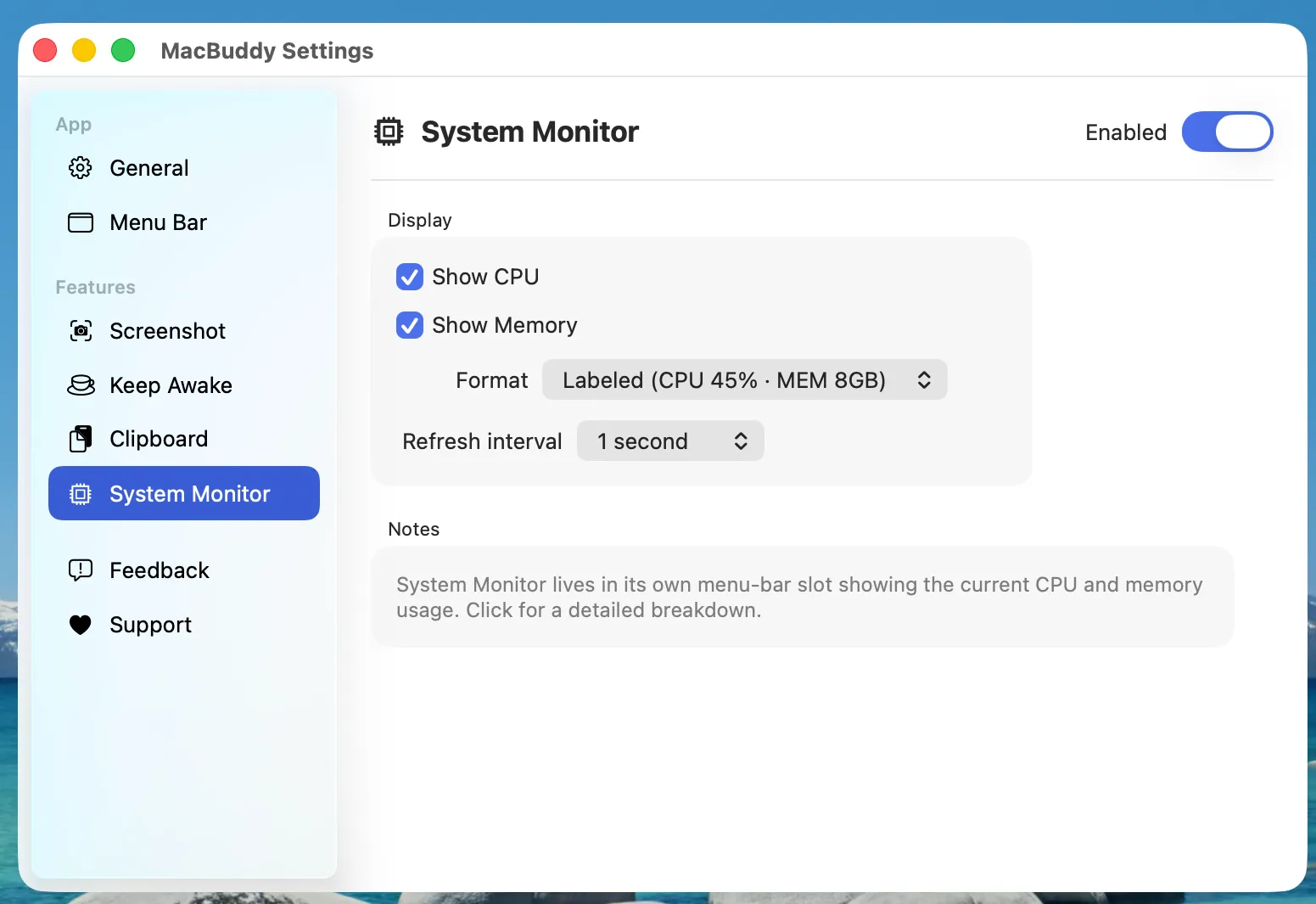
Adds a menu-bar status item showing live CPU, memory, and other system stats.
Pictures, audio, video, documents, and data — drag, drop, done. PNG, HEIC, MP4, M4A, JSON, CSV and more.
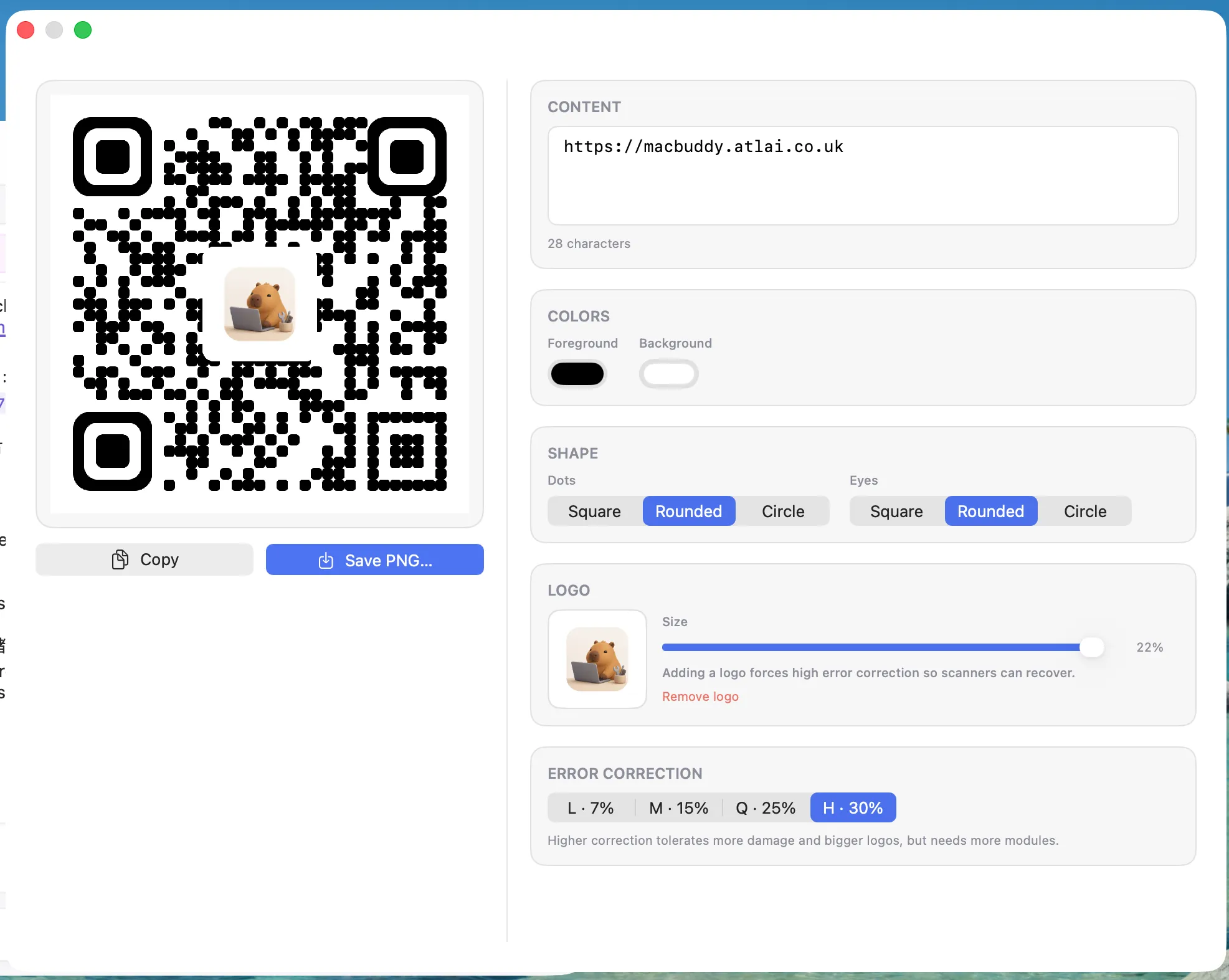
Generate scannable QR codes with custom colors, dot & eye shapes, and an embedded logo.
Compress or extract archives — zip, tar, tar.gz, gz — with a simple drag-and-drop window.
Record the full screen, a window, or a region to MP4/MOV — pause/resume, optional system audio and mic.
Trim, crop, speed up, or mute a clip right after recording — no extra app needed.
Merge and split PDFs, turn images into a PDF, or export PDF pages as images.
Case, JSON, Base64, URL, hashes and line tools — plus UUID, password, and timestamp generators.
Drop in an app to remove it together with its caches, preferences, and leftover files.
A fully encrypted password manager in your menu bar — standard KeePass (.kdbx) format, Touch ID unlock, iCloud sync.
Built-in authenticator: two-factor codes live right next to their passwords — one click to copy.
Hold the Space bar and tap a key to instantly launch or focus your favourite apps.
The core tools are free forever. Unlock the power features once for £1.99 — no subscription.
The core menu-bar tools, forever.
Everything in Free, plus the power tools.
One-time payment, no subscription. Secure checkout & VAT handled by Lemon Squeezy.
Yes. Everything outside the three Pro features — including the entire Toolbox — is free forever, with no ads and no account.
Buy once and a license key lands in your email. Paste it into CapyBuddy → Settings → License and the Pro features unlock instantly — on up to 3 Macs, forever, updates included.
Your passwords live in a standard encrypted KeePass (.kdbx) file on your Mac, optionally synced through your own iCloud Drive. Nothing is ever sent to our servers.
Only when a tool needs one — Screen Recording for screenshots and recordings, Accessibility for Space Shortcut. Nothing is requested at install, and every grant is optional.

Free, no ads. Apple Silicon & Intel.
Found a bug? Want a new tool inside CapyBuddy? Tell us — issues land straight in the project's GitHub.
Something not working? Open a bug report — we'll be notified on GitHub.
Open bug report →Got an idea for a new tool inside CapyBuddy? Pitch it.
Suggest a feature →Stuck on permissions or hotkeys? Drop a question.
Ask a question →No GitHub account needed — your feedback goes straight to our issue tracker. Prefer email? dev@atlai.co.uk.